Installation - Setup - Initial setup - Synology - Note - EDV-Guru - Guru - Cloud (Windows / Mac / Linux)
Synology - Note
IT Guru - IT Guru
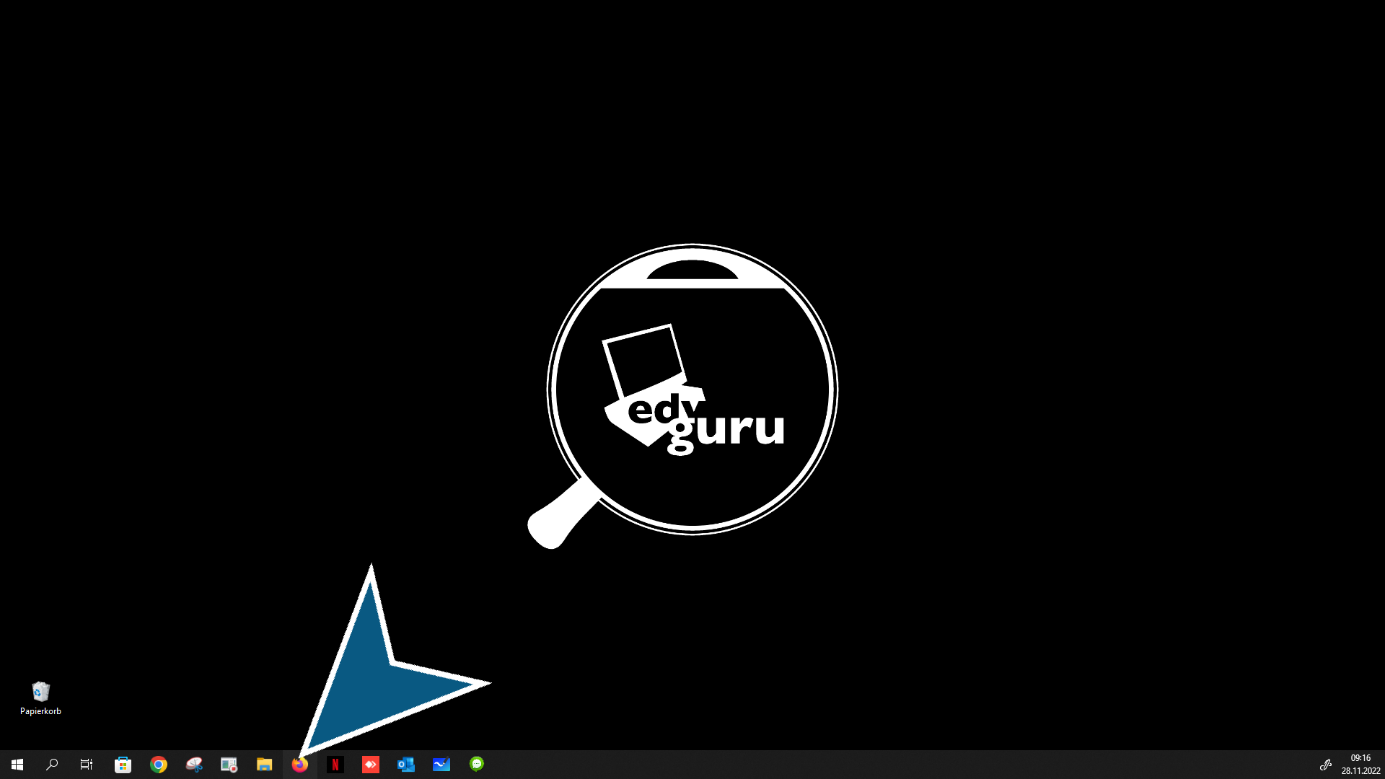
Click on “Firefox or your preferred Internet browser” button
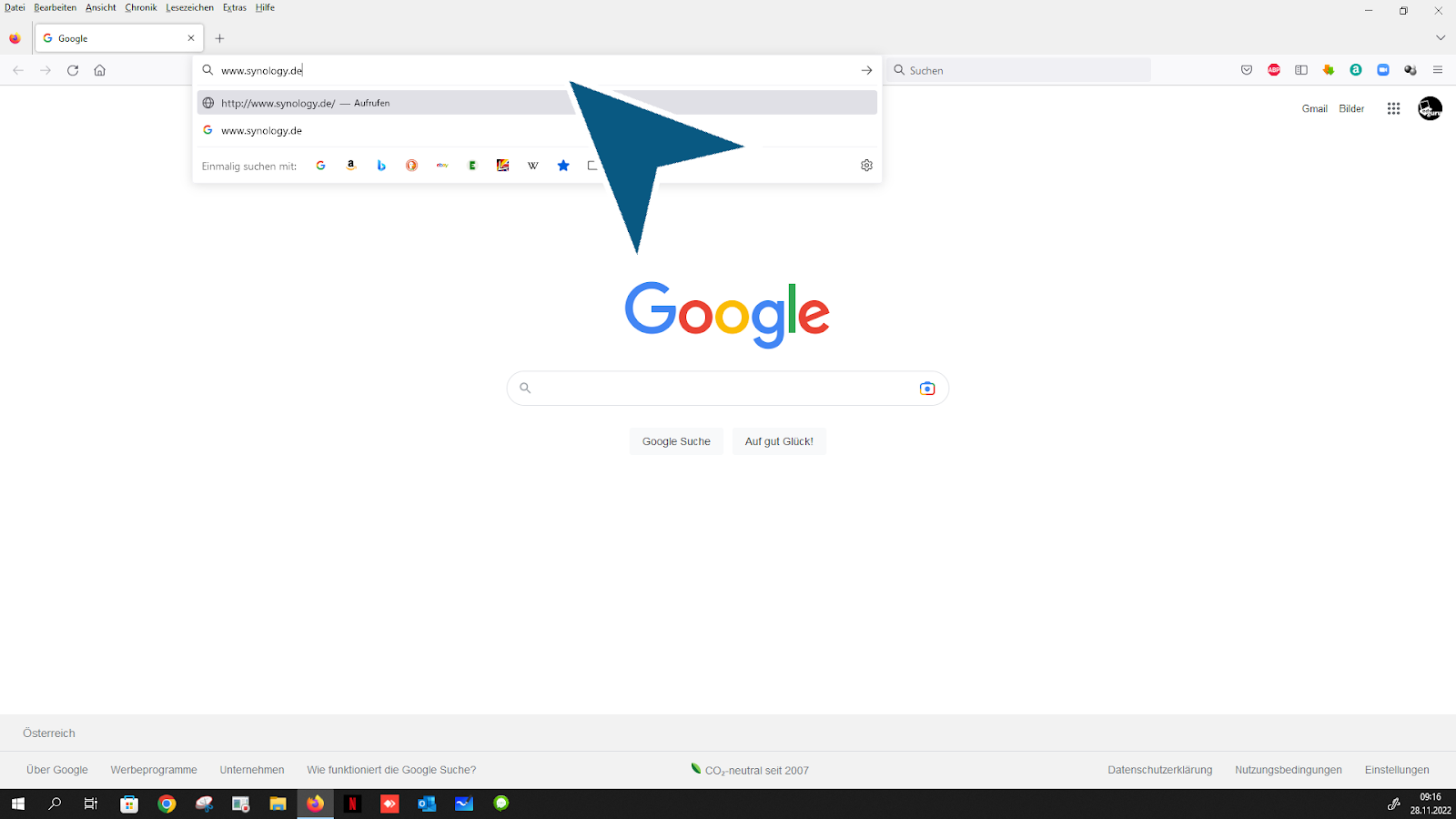
Press enter key “Enter www.synology.com'”
Follow the link: “Download Center”

Click “NAS”

Click “Select your Synology product, you will find this information in your email after your order”

Click “on your Synology model”

Opening the "Select your DSM version. This information can be found in your email from the order. If you have any questions, please contact the IT guru" Combo box

Follow the link: “Desktop Utilities”
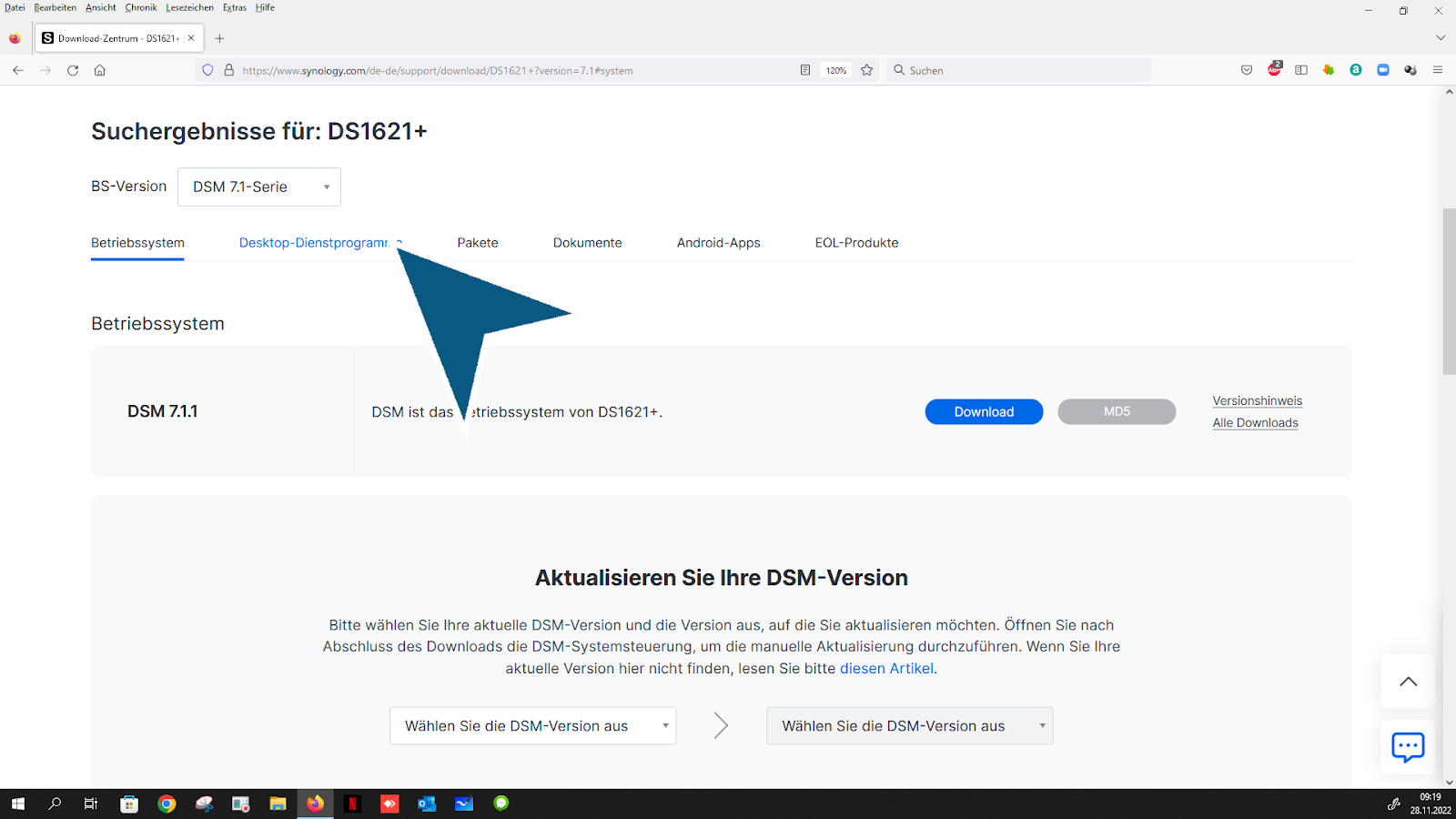
Follow the link: “Download”
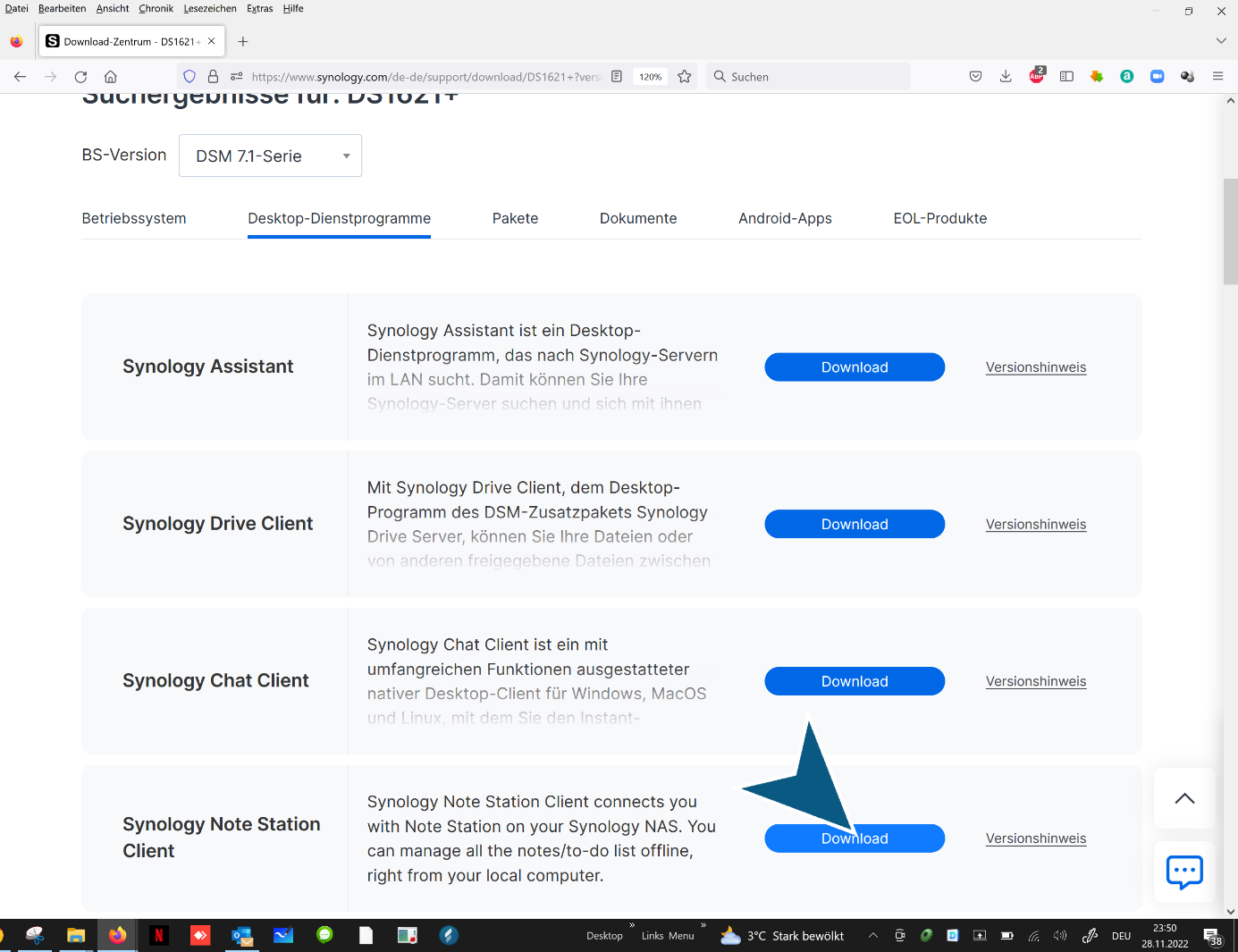
Choose your operating system
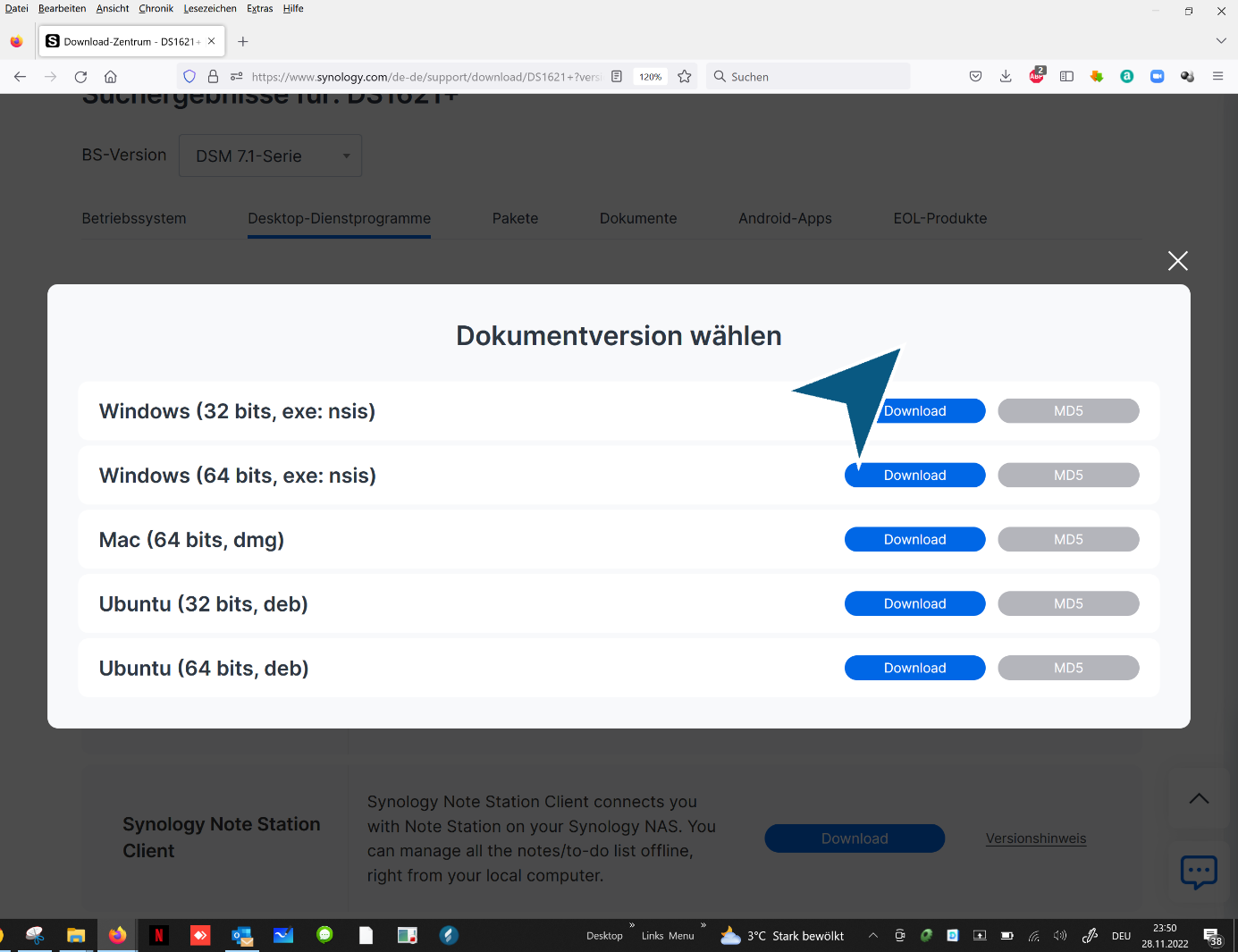
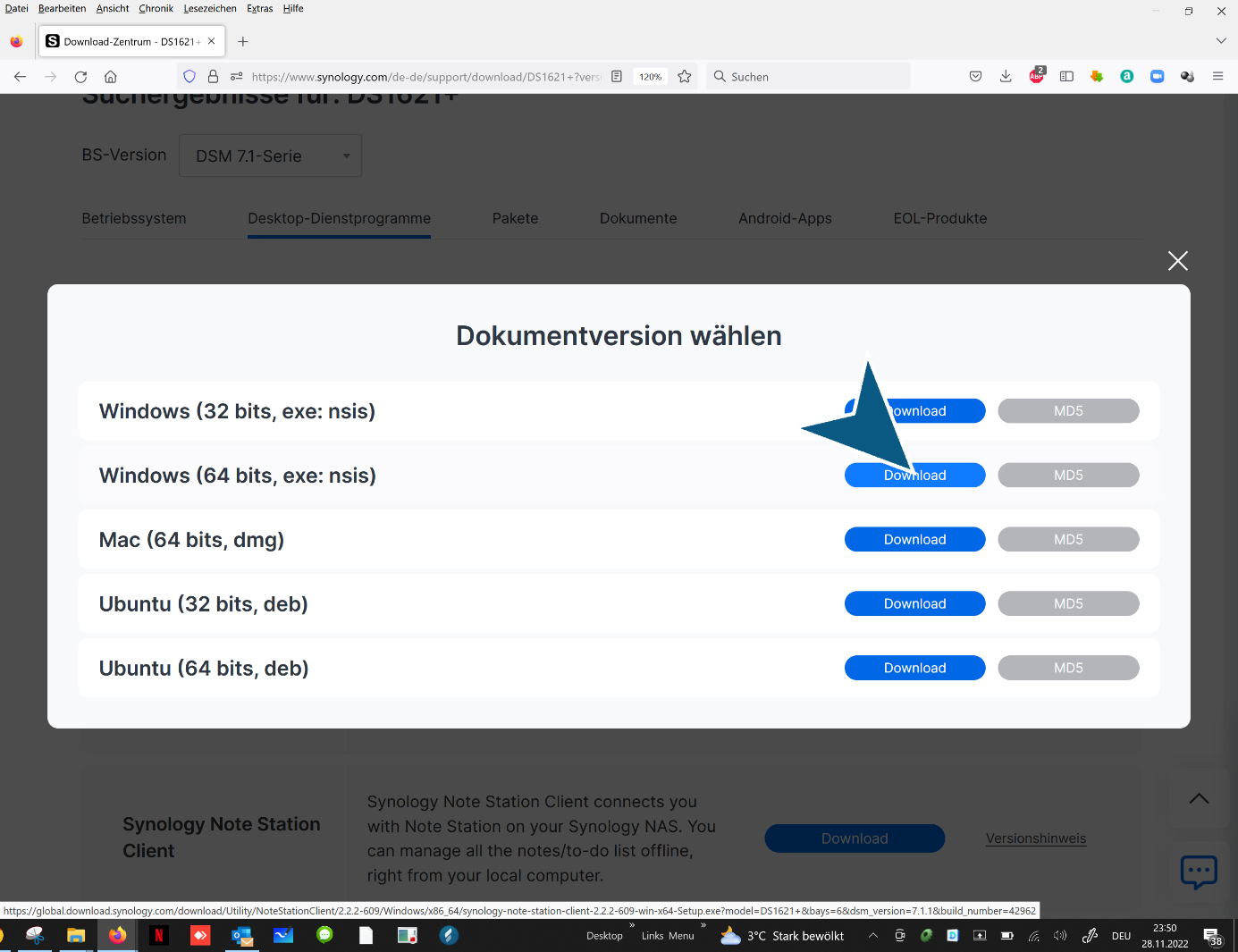
Follow the link: “Download”
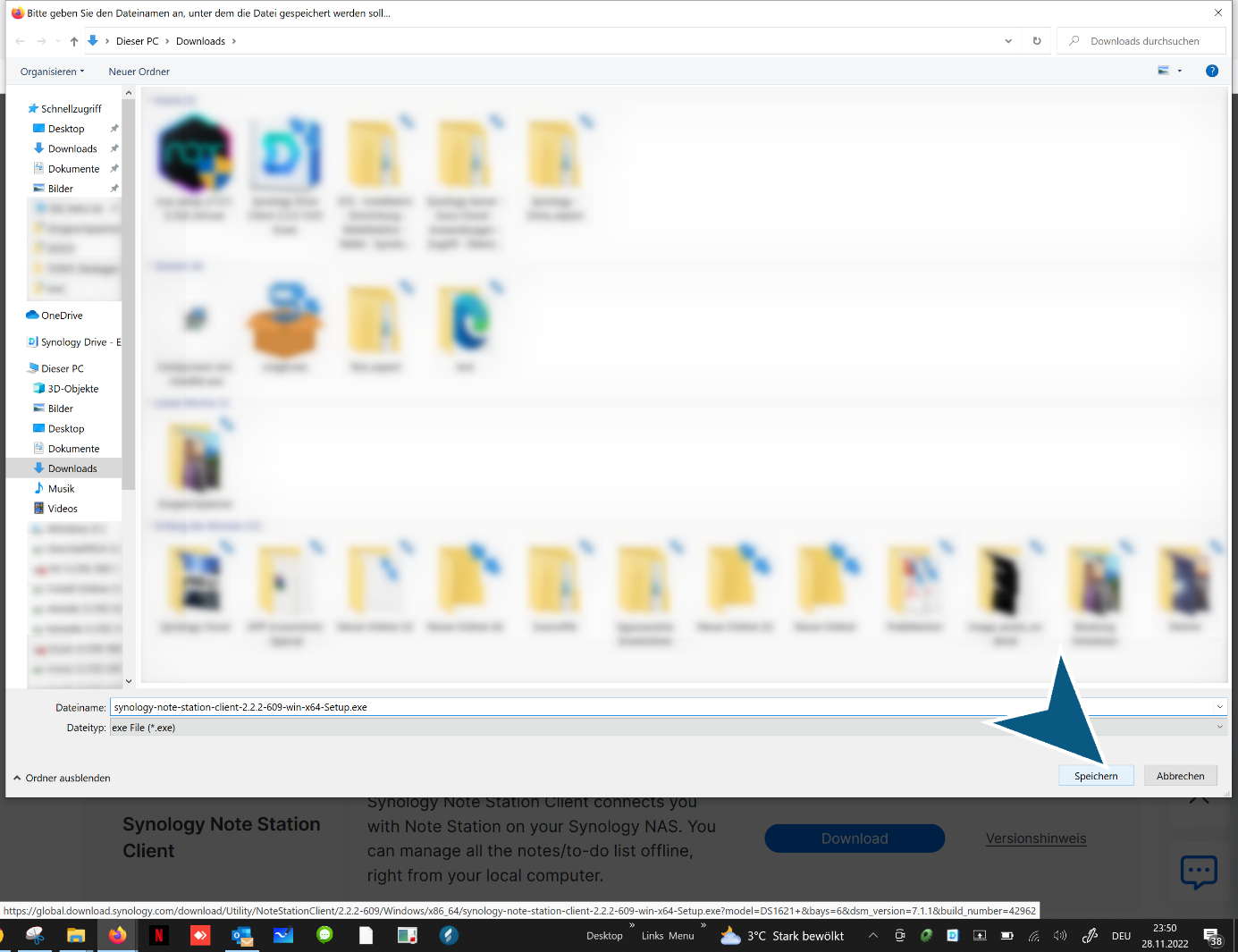
Click on “Save” button
Click on “Downloads” button
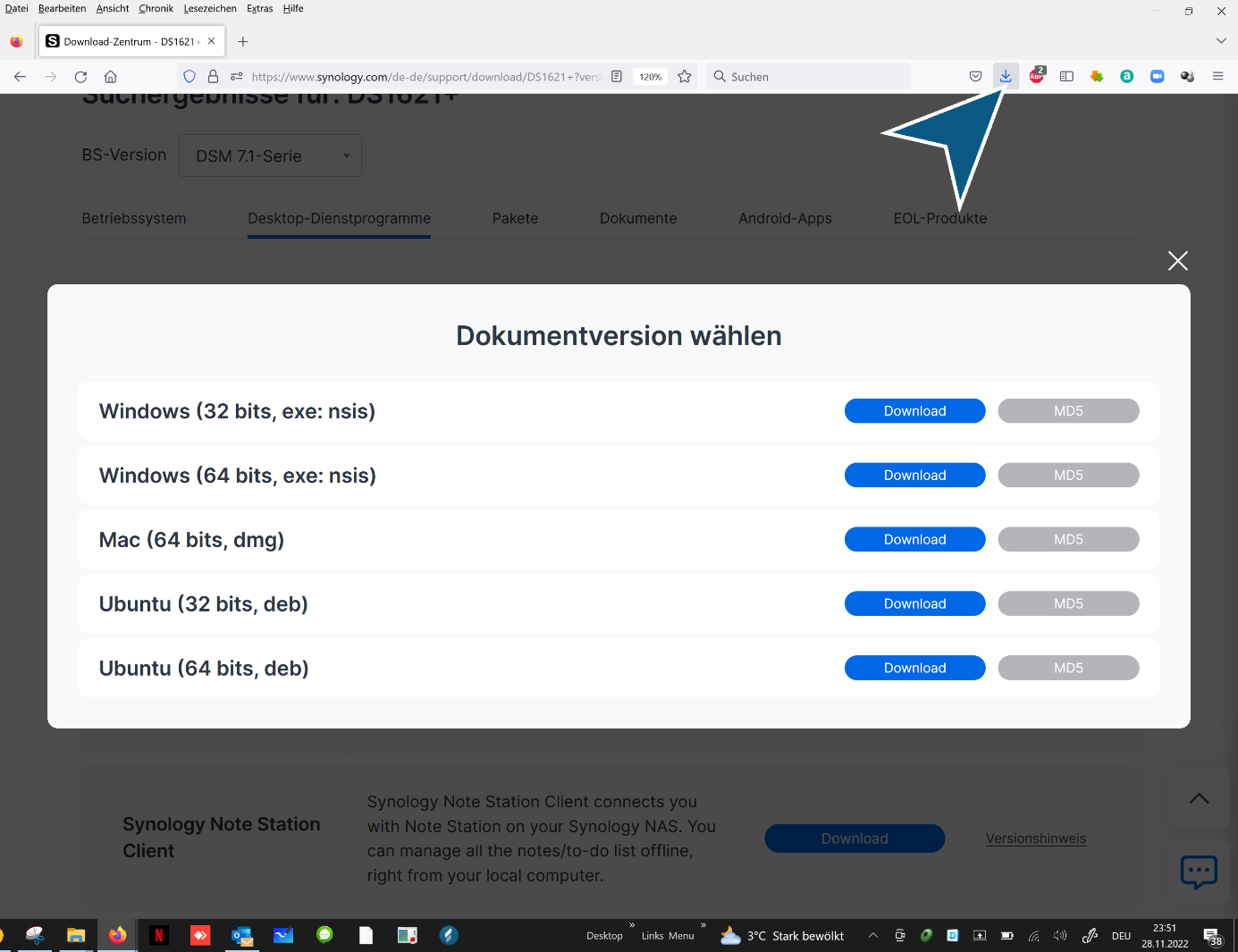
Click
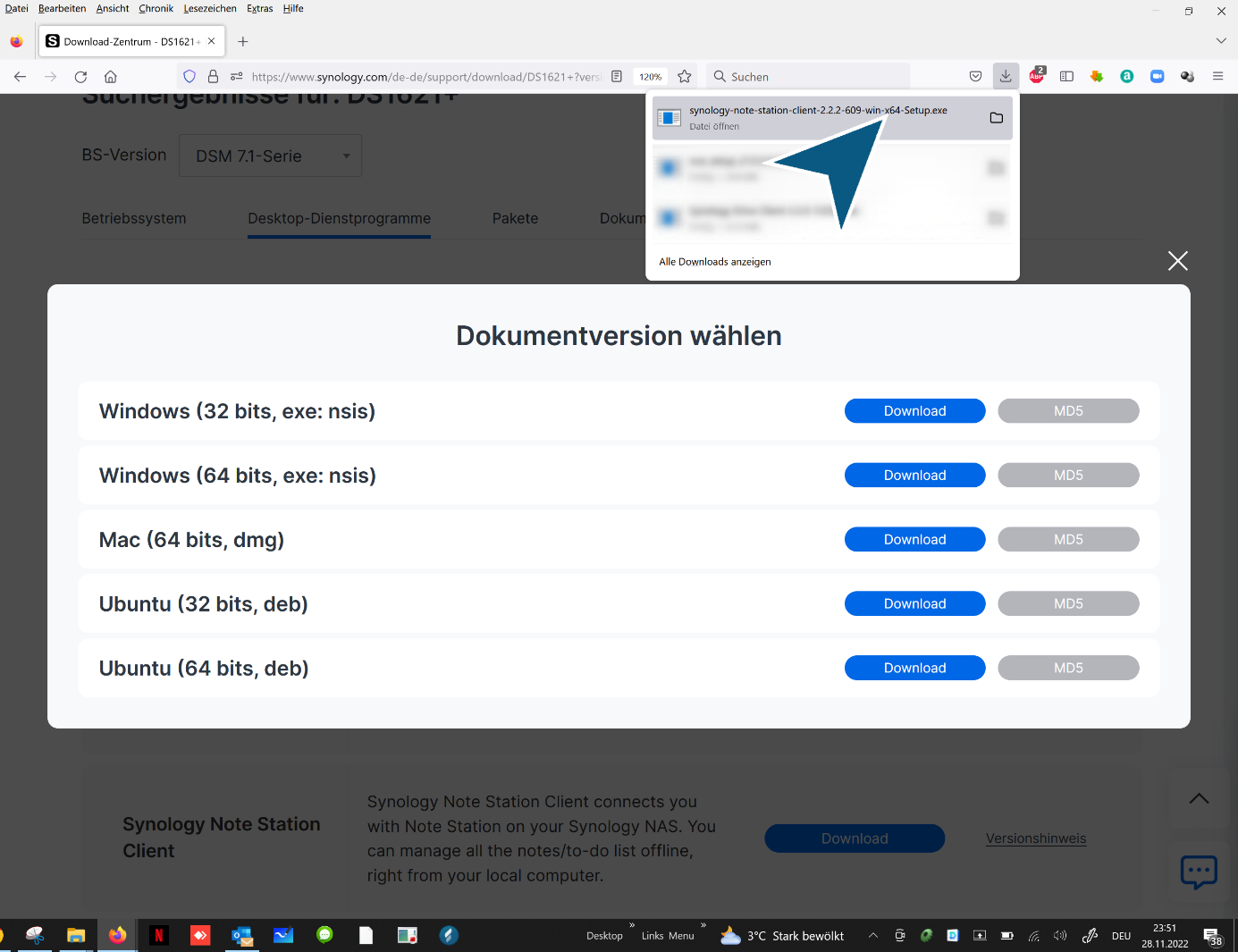
Click on “Execute” button
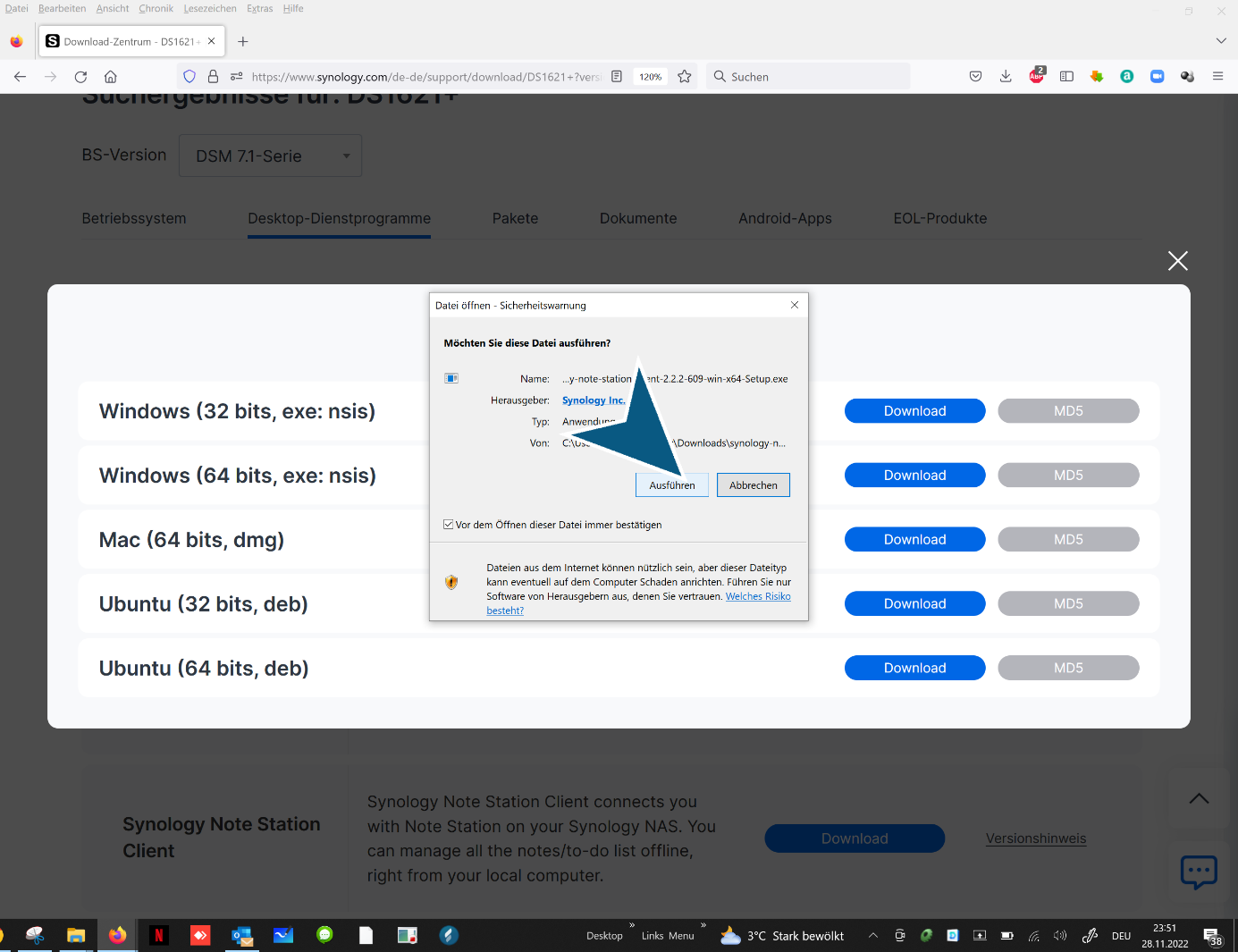
Click on “OK” button

Click on “Next >” button

Click “Finish”

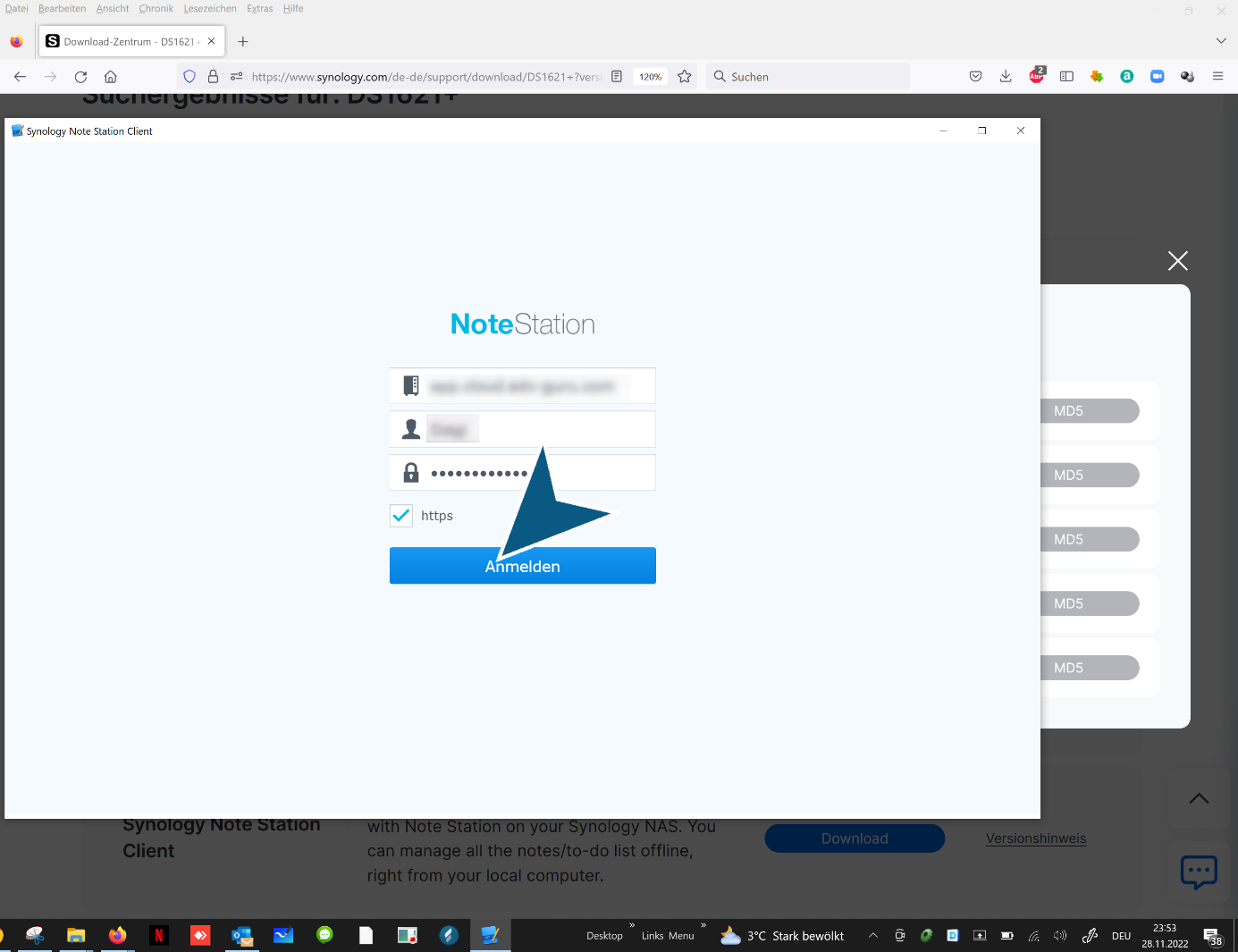
Enter domain and user name

Enable encryption Click “https”
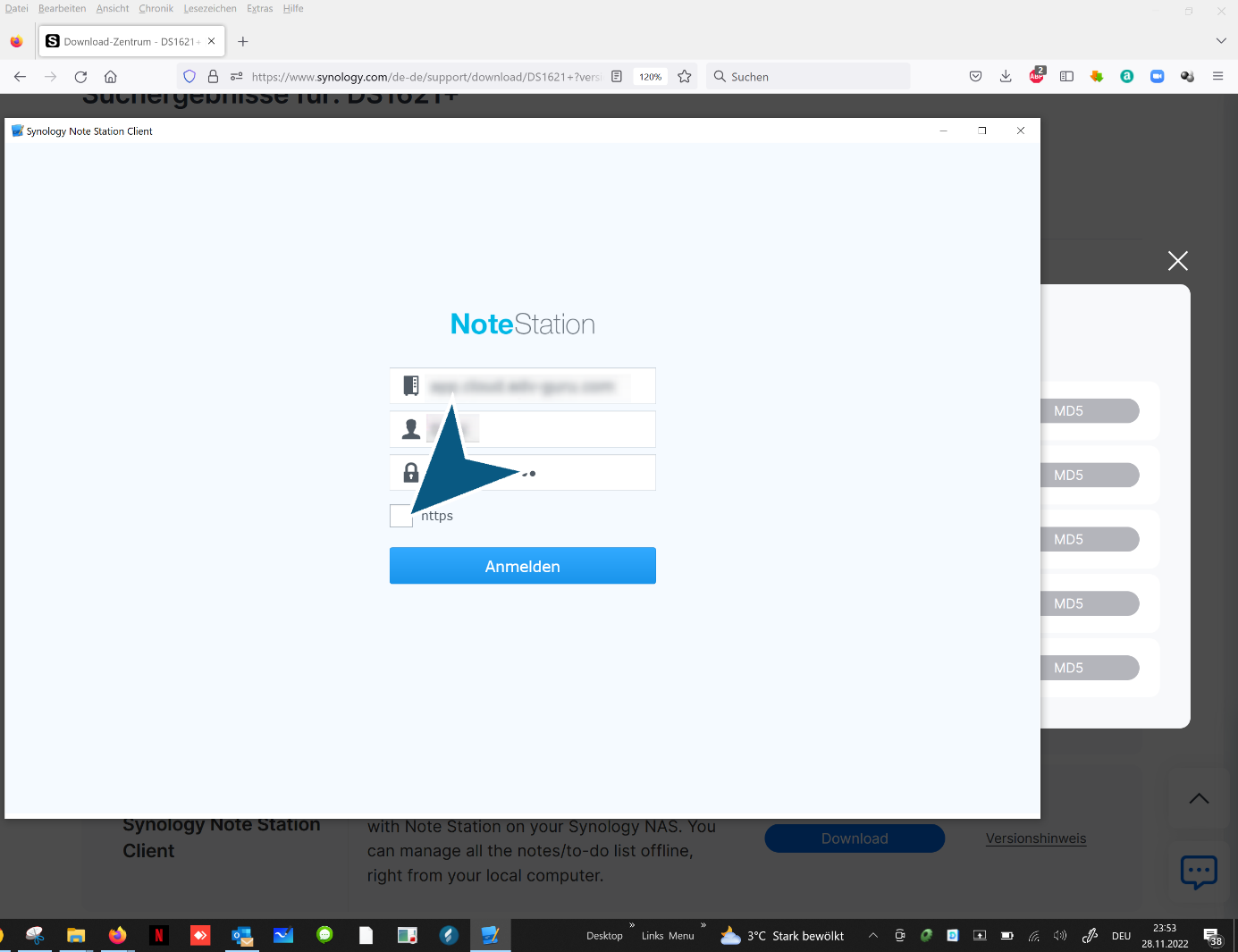
Click “Synology Note Station Client” log in
end