
IOS - Installation - Setup - Mobile phone - Tablet - Synology Server - Guru Cloud - Synology Note - IT Guru
Synology Note
IT Guru - IT Guru
Click “Open IOS or Play Store”
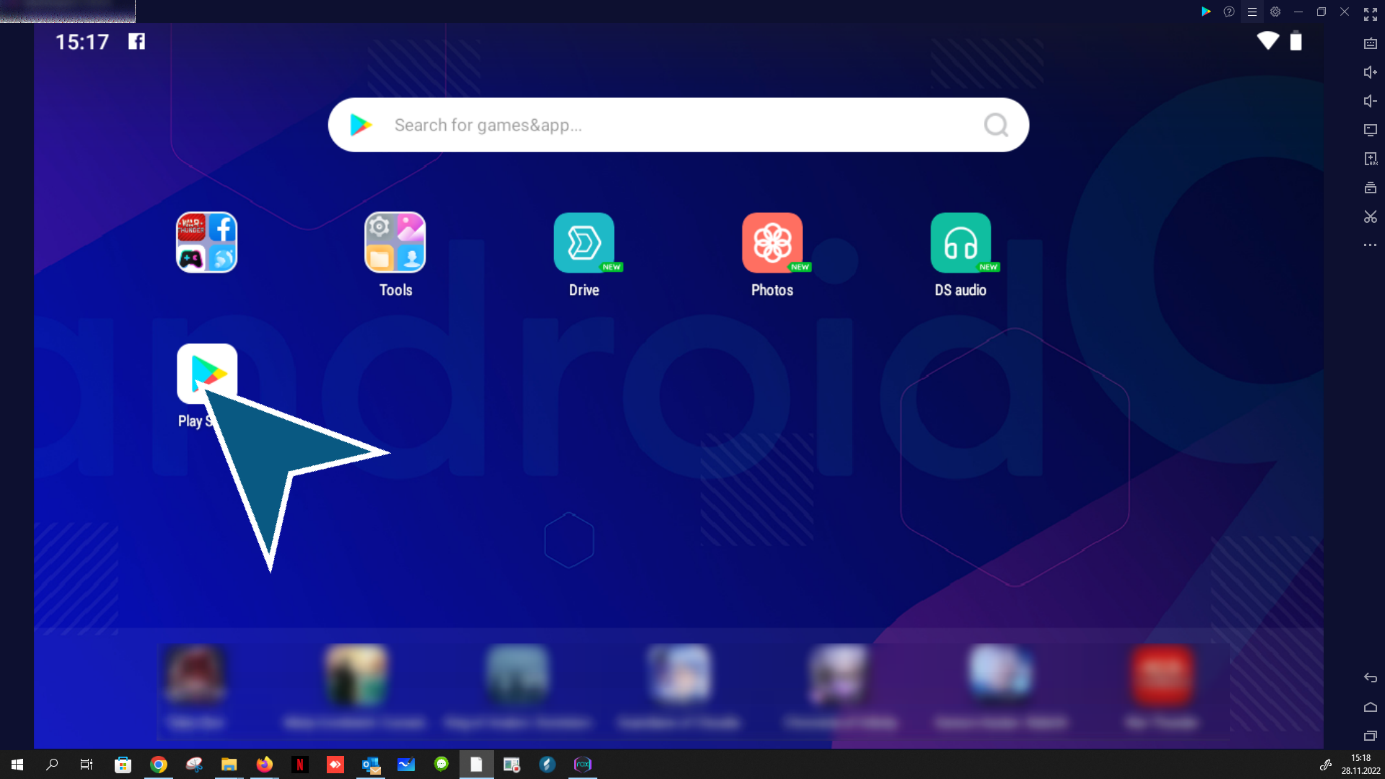
according to Synology Audio Click “search”

Click “install”

Click “open”

Click “accept”

Click “Get permission”

Click “to allow”

Enter domain / username / password
Double click “continue”

Click “create new note”
Note attachments video / audio / photo / text / attachments and much more.

Click “Enable location access”

Click “Create note”

Click “save after editing”

Click “Notes Overview”

Click “last synchronization time”
(regular fully automatic update of notes, no intervention necessary)
end
